

Planner and Project Plan 3
$2,450.00 TTD
Planner and Project Plan 3
- Annual subscription.
- Use rich planning and status tracking capabilities, with features such as advanced dependencies with lead-lag, critical path, and task history.
- Manage scheduling and costing and allocate resources with resource management capabilities.
- Each subscription license allows for up to five concurrent installations of the Project Online desktop client.
Description
Microsoft Planner and Project Plan 3
Collaborative, powerful project management.
Requirements
- Processor: 1 gigahertz (GHz) or faster x86- or x64-bit processor with SSE2.
- Operating System: Same as Microsoft 365, see the Microsoft 365 resources page for more information
- Memory: 1 GB RAM (32-bit); 2 GB RAM (64-bit).
- Hard Disk Space: 3 GB available disk space.
- Display: 1024 x 768 resolution.
- Graphics: Graphics hardware acceleration requires a DirectX 10 graphics card.
- Multi-touch: A touch-enabled device is required to use any multi-touch functionality. However, all features and functionality are always available by using a keyboard, mouse, or other standard-input or accessible-input device. Note that new touch features are optimized for use with Windows 8 or later.
- Additional System Requirements: Internet functionality requires an internet connection. / Microsoft account required.
Get started quickly with Planner and Project Plan 3 and have powerful project management capabilities.
Features
Visual, interactive roadmaps: Visualize progress across projects, programs, and portfolios by connecting different projects within a single view. Choose the initiatives you want to see and add phases, milestones, and key dates.
Rich task management capabilities: Create advanced task dependencies with lead-lag, identify progress and changes with task history, and leverage critical path to prioritize resources and assignments.
Make informed decisions: Use baselines to help you track and compare actual progress to the original project plan.
Ready-made project templates: Use prebuilt templates available in Planner and Project for the web or go to Microsoft365.com for access to ready-made project plans.
Create reports: Get insights, communicate information to stakeholders, and achieve results with help from powerful built-in reports.
Collaborate in a simple, unified experience: Manage all your tasks, to-do lists, plans, and projects across Microsoft 365 apps in a single, familiar experience. Use Planner, Project, and Microsoft Teams to collaborate on projects with file sharing, chat, meetings, and more.
Tailor your project management: Leverage Microsoft Power Platform to customize your project management needs to best suit your organization.
Reviews (0)
Related products
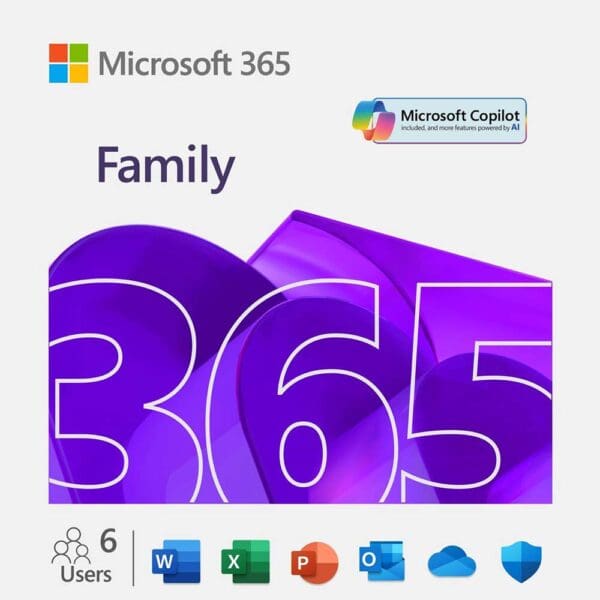
Microsoft 365 Family
Microsoft 365 Family
- For one to six people
- Each person can use on up to five devices simultaneously
- Works on PC, Mac, iPhone, iPad, and Android phones and tablets
- Up to 6 TB of secure cloud storage (1 TB per person)
- Productivity apps with Microsoft Copilot
- Designer AI-powered image creator and editor
- Clipchamp video editor with premium filters and effects
- Microsoft Defender advanced security for your personal data and devices
- OneDrive ransomware protection for your photos and files
- Ongoing support for help when you need it
Copilot and AI image creation are only available to the subscription owner and usage limits apply.
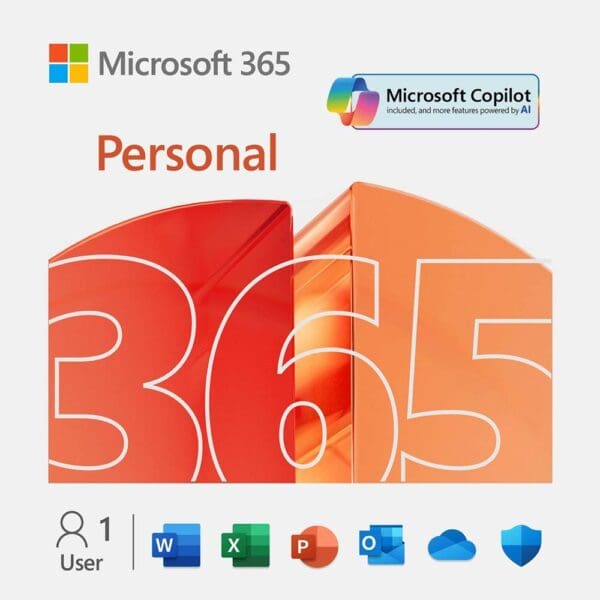
Microsoft 365 Personal
Microsoft 365 Personal
- For one person
- Use on up to 5 devices simultaneously
- Works on PC, Mac, iPhone, iPad, and Android phones and tablets
- 1 TB (1,000 GB) of secure cloud storage
- Productivity apps with Microsoft Copilot
- Designer AI-powered image creator and editor
- Clipchamp video editor with premium filters and effects
- Microsoft Defender advanced security for your personal data and devices
- OneDrive ransomware protection for your photos and files
- Ongoing support for help when you need it
Usage limits apply to Copilot and AI image creation.
Planner Plan 1
Microsoft Planner Plan 1
- Annual subscription.
- Jump start your plans and projects quickly and easily in a single familiar experience and leverage prebuilt premium templates.
- Collaborate with your team and choose from a variety of views and approaches such as sprints and timeline views.
- Use easy and efficient planning and status tracking with capabilities such as project goals and task dependencies.
Visio Plan 1
Microsoft Visio Plan 1
- Annual subscription.
- Work virtually anywhere, anytime with the web version of Visio and OneDrive cloud storage.
- Start diagramming fast with an intuitive experience and simple UI.
- Choose from dozens of professional templates, starter diagrams, and shapes.
- Create, view, edit, and collaborate on Visio files directly in Microsoft Teams.*
- Embed Visio diagrams into Power BI reports for unified perspectives.*
- Store and share your work on the web and access it from almost anywhere.
- Get around-the-clock support from Microsoft.
*Microsoft Teams and Power BI available separately.
Visio Plan 2
Microsoft Visio Plan 2
- Annual subscription.
- Get Visio and the always up-to-date Visio desktop app, for use on up to five PCs, and OneDrive cloud storage.
- Enjoy all the features in Visio Plan 1, plus exclusive Visio Plan 2 features such as Export to Power Automate, Export to Word, Data Visualizer for Excel, and Slide Snippets for PowerPoint.*
- Create, view, edit, and collaborate on Visio files directly in Microsoft Teams.*
- Connect diagrams to external data sources and embed Visio diagrams into Power BI dashboards.*
- Store and share your work on the web and access it from almost anywhere.
- Enjoy around-the-clock support from Microsoft.
*Power BI, Teams, Excel, Word, and PowerPoint available separately.
Windows 11 Home
Windows 11 Home
Windows 11 Home edition requires internet connectivity and a Microsoft account.
Switching a device out of Windows 11 Home in S mode also requires internet connectivity.
For all Windows 11 editions, internet access is required to perform updates and to download and take advantage of some features. A Microsoft account is required for some features.
Reviews
There are no reviews yet.